
Keep the service drive full.

Scheduling, inspections and follow-up for advisors. Every repair order lands on the customer record sales already uses.

A technician inspecting a tire on a Mazda CX-5 raised on a lift

Book against real shop capacity

Advisors see bay and technician availability before they book, so the shop stays evenly loaded through the day.

A service advisor greeting a customer as she arrives in her Chevrolet Equinox
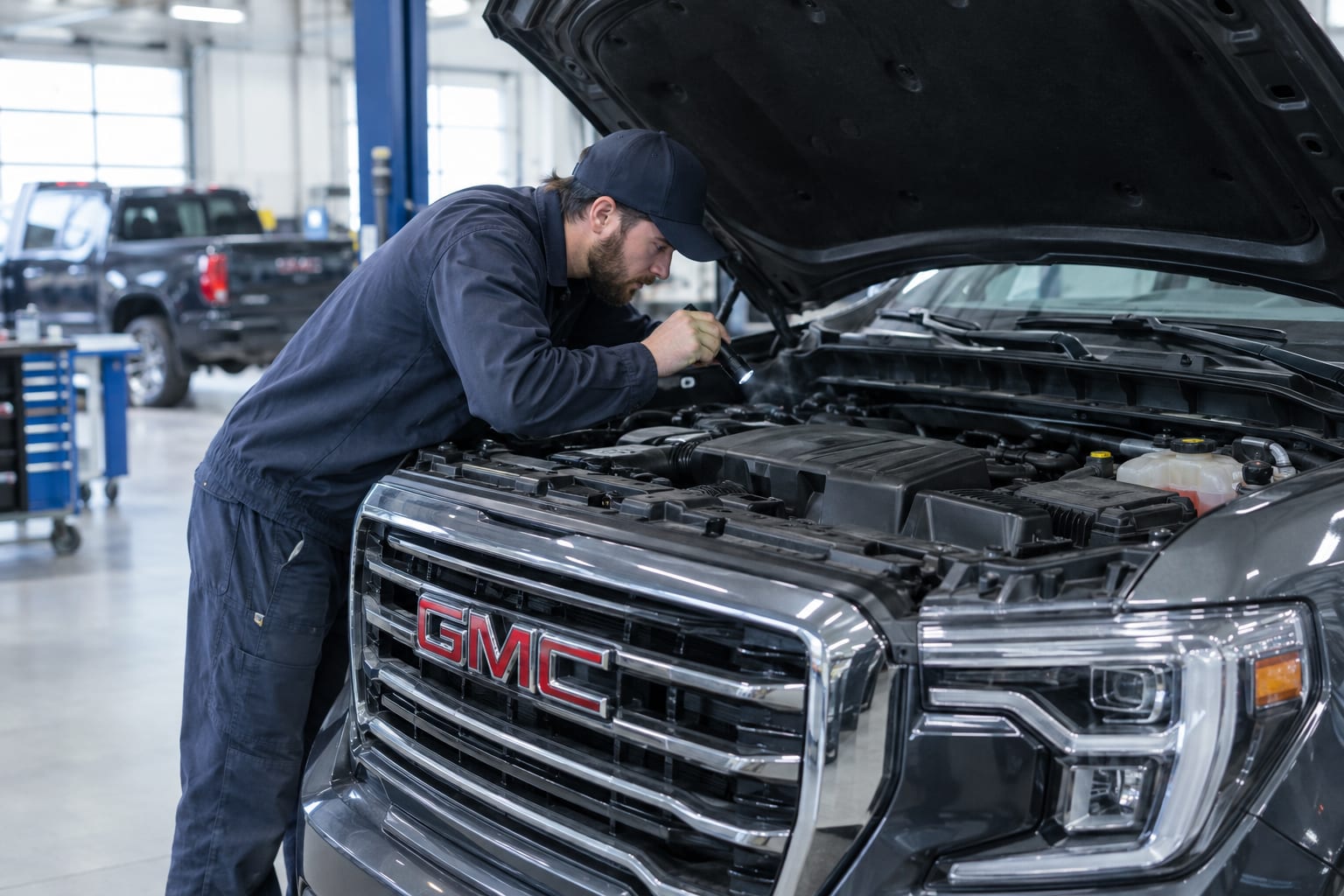
A technician checking the engine of a GMC Sierra with a flashlight

Digital check-in and inspections

Check vehicles in digitally and run multi-point inspections from templates your shop sets up, with readings and quotes on every item.

Bring declined work back

Declined and recommended work goes into automatic follow-up, so a brake job doesn’t disappear when the customer drives away.

A service advisor calling a customer back from the service desk

Also in Service

Advisor workspace

Today’s appointments and each advisor’s own numbers, on one screen.

Recalls, warranties and lapsed customers

Win-back programs for open recalls, expiring warranties and customers who haven’t been in for a while.

Service to sales

Flag service customers who are in a good position to trade, and pass them to sales.

Other parts of the platform

Sales

Inventory pricing, equity mining, the deal pipeline and lead routing.

Explore Sales →

Marketing

Clean customer data, audiences, and email and text campaigns.

Explore Marketing →

Operations

Automations, reports and dashboards for managers.

Explore Operations →

Website tools

Chat, online service booking and landing pages for your site.

Explore Website tools →

See Auto Squared on your dealership's data.

A 30-minute call set up with your store’s inventory. We reply within one business day.